

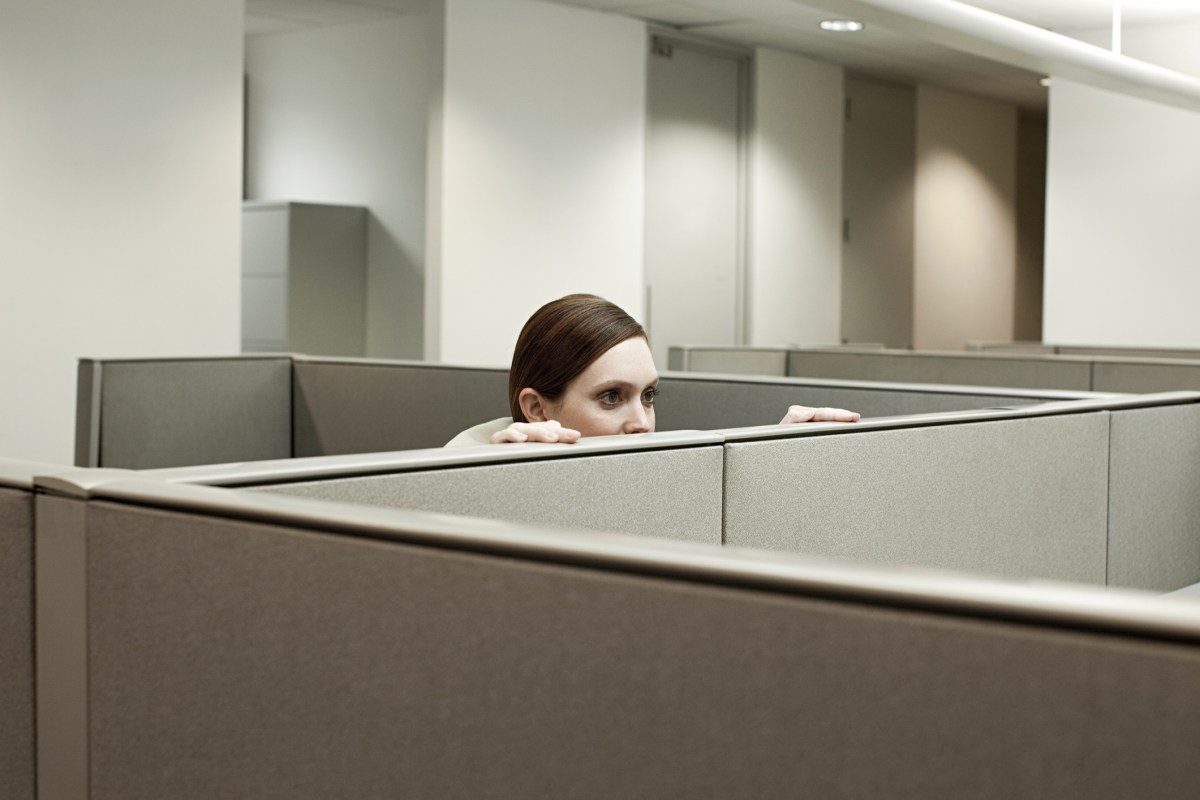
A man has vented about his boss’s annoying habit and online commentators were left impressed with how he handled the situation.
Reddit user WiseRelation2619 won more than 3,400 upvotes and 200 comments on a post describing how his boss startles him during his work day.
“My coworkers usually knock on the side of the cubicle to get my attention,” he wrote, “but my boss is really sneaky. She’s startled me multiple times by coming up quietly.”
Triggered
According to the original poster (OP), the situation got so annoying, he built a Windows tool hooked to his webcam that monitors the area behind him.
When someone appears in the webcam, it automatically triggers “Alt+Tab”—a command that switches between windows.
The OP shared the tool in the comments.
“Using it has honestly given me my peace of mind back,” he remarked.
‘Embarrassing’
Reddit commentators were amused and impressed by the solution, while others offered their own versions.
“At my last job one of the supervisors hated people sneaking up on him, so he put a bike mirror at the top of his cubicle so he could see people approaching,” person shared.
“I use one of the round stick-on blind spot mirrors,” another pundit added.
“It’s bad feng shui to let people sneak up behind you.”
Finally, one individual had a horrifying story: “Happened to me yesterday. Thought I was alone in the office. Ripped a massive fart and looked behind me a couple of minutes later to see a VP stood next to my desk. [Very] embarrassing.”
Easier Solutions
Building a Windows tool is certainly one way to solve the problem, but there are easier solutions.
1. Use a privacy screen filter to block side views
A privacy screen filter prevents other people from seeing what’s on your display. 3M makes one, and so does SightPro.
2. Position your monitor strategically
A desk monitor mount allows you to adjust your height and angle quickly if you hear someone coming. One such option: The VIVO Single Monitor Desk Mount for flexible adjustments.
3. Enable automatic screen locking
Finally, set your computer to lock after a short period of inactivity—this prevents someone from seeing your screen when you step away unexpectedly.
A USB proximity lock or Bluetooth auto-lock device—such as the GateKeeper Halberd Wireless Auto‑Lock Key for automatic locking—can add an extra layer of hands‑free security.
Newsweek has reached out to WiseRelation2619 for comment via Reddit.
Read the full article here
