

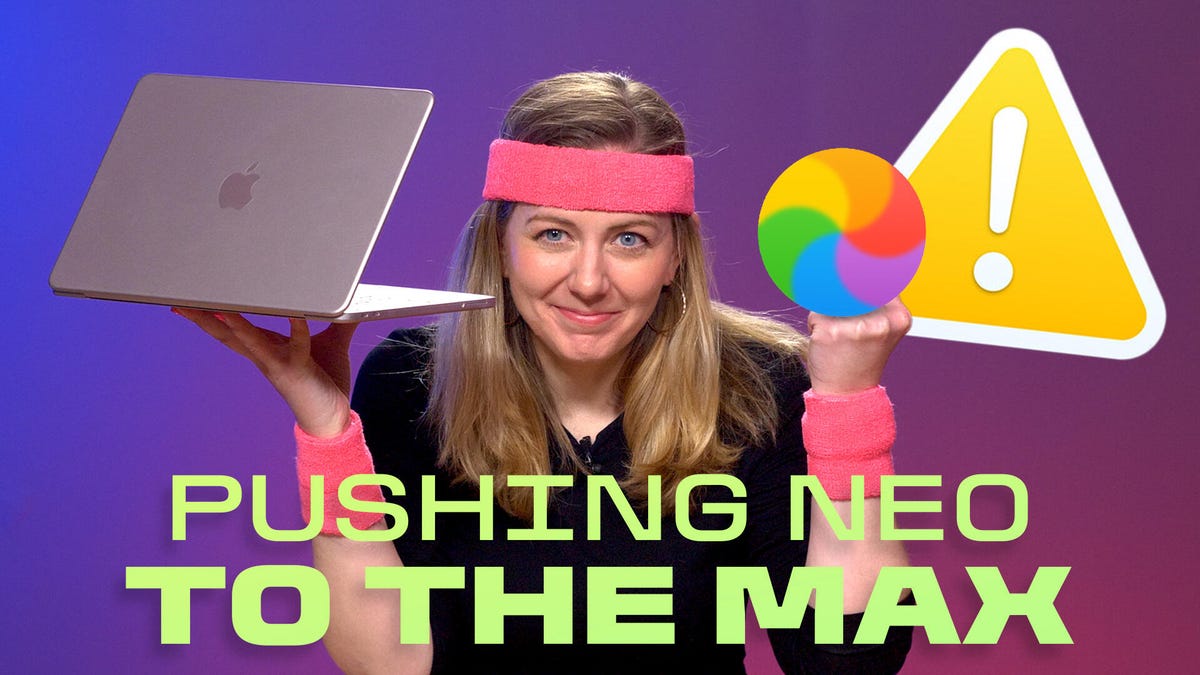
I didn’t need to do heavy 4K video editing or complex AI prompting to push the Neo to its limits. All it took for me to crash Apple’s hot-selling budget MacBook was opening too many Safari tabs (about 64, give or take).
I’ve been using the MacBook Neo as my main machine for a month, switching from my work-issued (and more powerful) MacBook Pro. The Neo is the first MacBook to rock an iPhone processor, the A18 Pro chip. It comes with some trade-offs, but my overall experience has been pretty impressive. It handles every program I need. It’s lightweight with great battery life. And it’s pink and cute to boot.
Watch this: One Month With MacBook Neo: Yes, I Feel the Limits
But every so often, there are these annoying lags when I’m jumping between Safari browser tabs. I notice it especially when several Google Workspace tools are open at the same time.
And last week, I took it too far while researching. My habit of opening too many tabs choked up the laptop’s meager 8 gigs of RAM. Everything came to a halt, the spinning color wheel appeared, and a pop-up warned me that I had to force-quit programs to bring it back to life.
It’s making me wonder whether other users who downgrade from more powerful MacBooks will notice the same laggy moments — and whether I need to change my “too many open tabs” style of working.
In this week’s episode of One More Thing, which you can watch embedded above, I explain my experience and wonder whether other students who research and use a suite of Google Cloud services (or disorganized tab freaks like me) will encounter the same wonky moments.
Was it a fluke, or could I recreate it on camera? It wasn’t easy, but I did manage to muck it up enough again to get the same warning pop-up that I ran out of application memory. The second time, however, was not as easy.
All that said, I still believe the Neo is a fantastic starter MacBook and even a great secondary travel machine for commuters. It’s also Apple’s most repairable laptop in ages. I’m on another trip this week, and I’m packing my Neo without a second thought.
But it’s making me consider working a little differently as my week progresses to avoid slowdowns and maybe, just maybe, close some tabs.
For more One More Thing, subscribe to our YouTube page to catch Bridget Carey breaking down the latest Apple news and issues every Friday.
Read the full article here
