



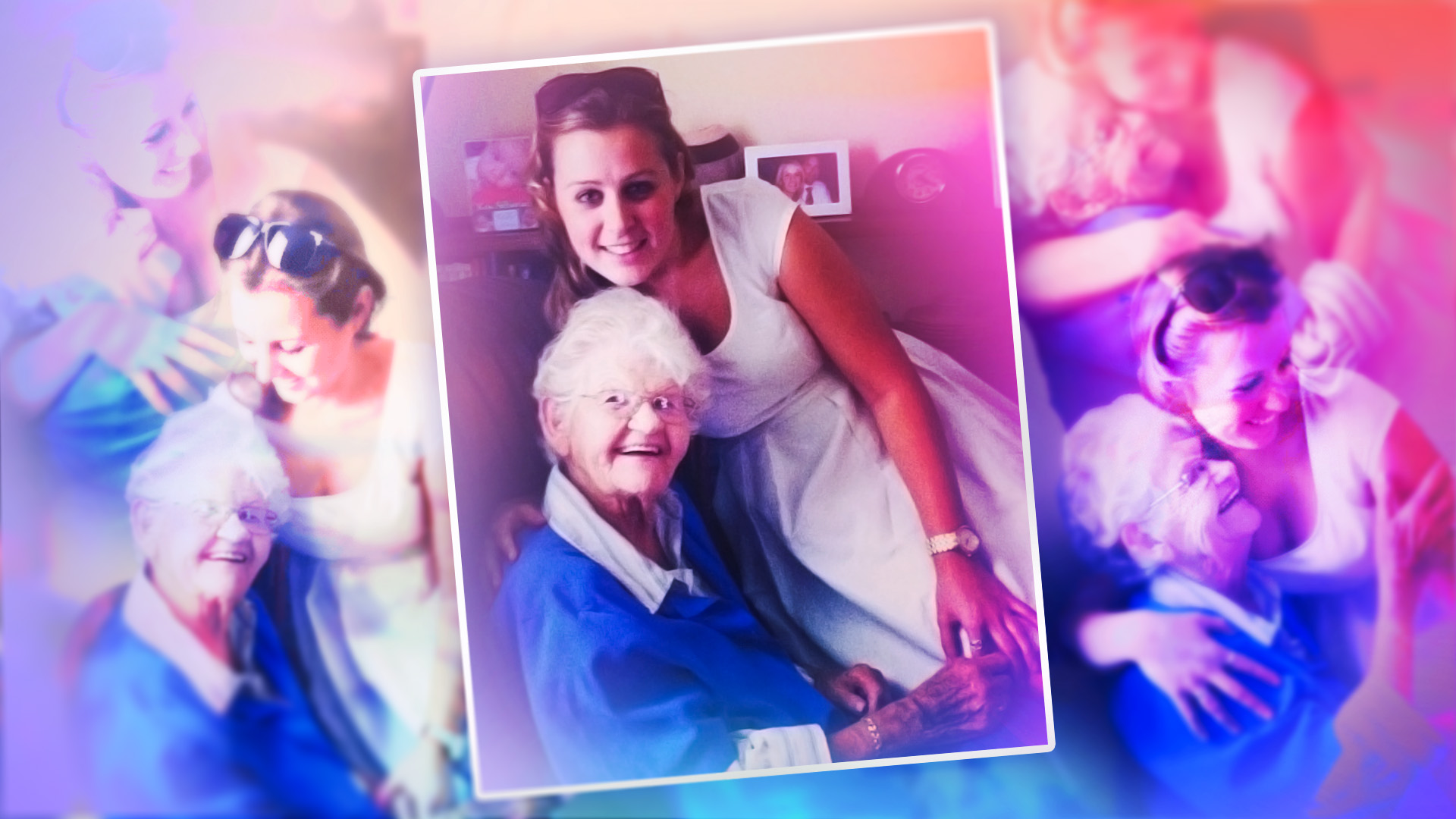
I miss the time when things were more tangible. Photo albums, CDs, cameras and books. Nowadays, everything is centralized on one device or stored in the cloud, sometimes accidentally erased, not always owned by you and forever out of sight. But it’s this very technology that can also bring these memories and milestones back into focus, with a little help from AI.
The hug your younger self photo was a fun example, but I wanted to take it further and animate some old photos to turn them into a gift. It can make a good gift if you’ve got a big family birthday or a wedding anniversary coming up, and it can also be a beautiful way to keep a loved one who has passed close, if the AI is accurate enough in regenerating your moments. It could also be a special exercise to connect family members who have never met, like grandparents and their grandkids.
I came across AliveMoment, a moving-memory tool, which is essentially image-to-video technology. I chose this product for its no-prompt process, as well as its photo restoration features, because that grainy old photo look won’t fly here. AliveMoment was released in August 2025 and runs on a credit-based subscription model (more on that later).
Time for a walk down memory lane.
Getting set up
The biggest issue I had was hunting down my old photos, as many are in boxes and hard drives back in Australia, where I grew up. Most of my photos live on my Facebook profile or in the cloud, so I needed to spend some time going through what I had.
I wanted to find a photo of my grandparents, who I think about often. I always felt as though they were my parents, as they were big travelers and migrated from England to Australia. I’ve traveled to more than 50 countries and moved to America, while my parents never even had a passport.
So, my first task was to do some digging. I found a couple of cute baby photos with my siblings, as well as one with my nanna, but the quality of all three was bad.
I uploaded one of them to AliveMoment to see what options I had to improve it. I could choose between a few animation types, including adding a wave or a hug. Given this first photo was of my siblings and me, I selected “playful motion.”
To proceed, I was prompted to sign up, and it processed the photo for a few seconds before my “live moment” was ready. But before I could view it, I had to purchase a subscription. Check the fine print because although it’s presented as per-credit pricing, you’re charged the first week, month or two months upfront. I chose the cheapest plan ($2.47 per “moment” credit) just to test it out.
Make sure you delete it before it renews, as that weekly plan is $60 per month, and this isn’t the kind of AI tool you need a recurring subscription for. I’ve noticed a lot of AI tools have sneaky pricing structures like this, most likely to capture as many one-time customers as possible.
Creepy or heart-warming?
Next, I got into the dashboard and could see the full range of features. I could restore, retake or relive a photo. I reuploaded the photo of my siblings to turn it into a motion photo. I had to use an extra credit for it to be in color.
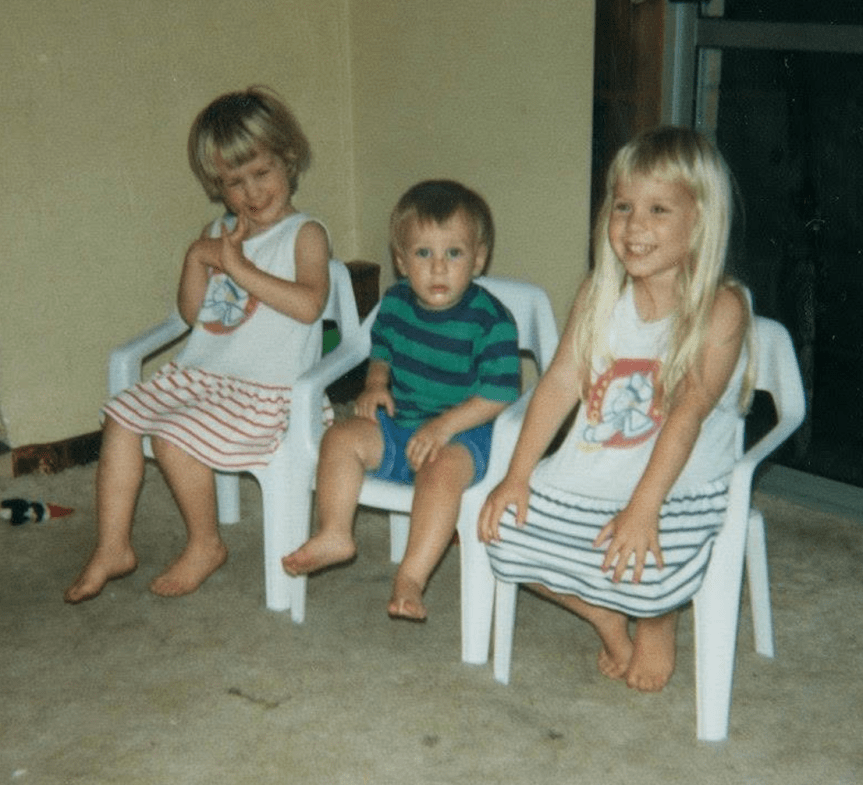
Here was the original photo:

And this was the short video AI animated:

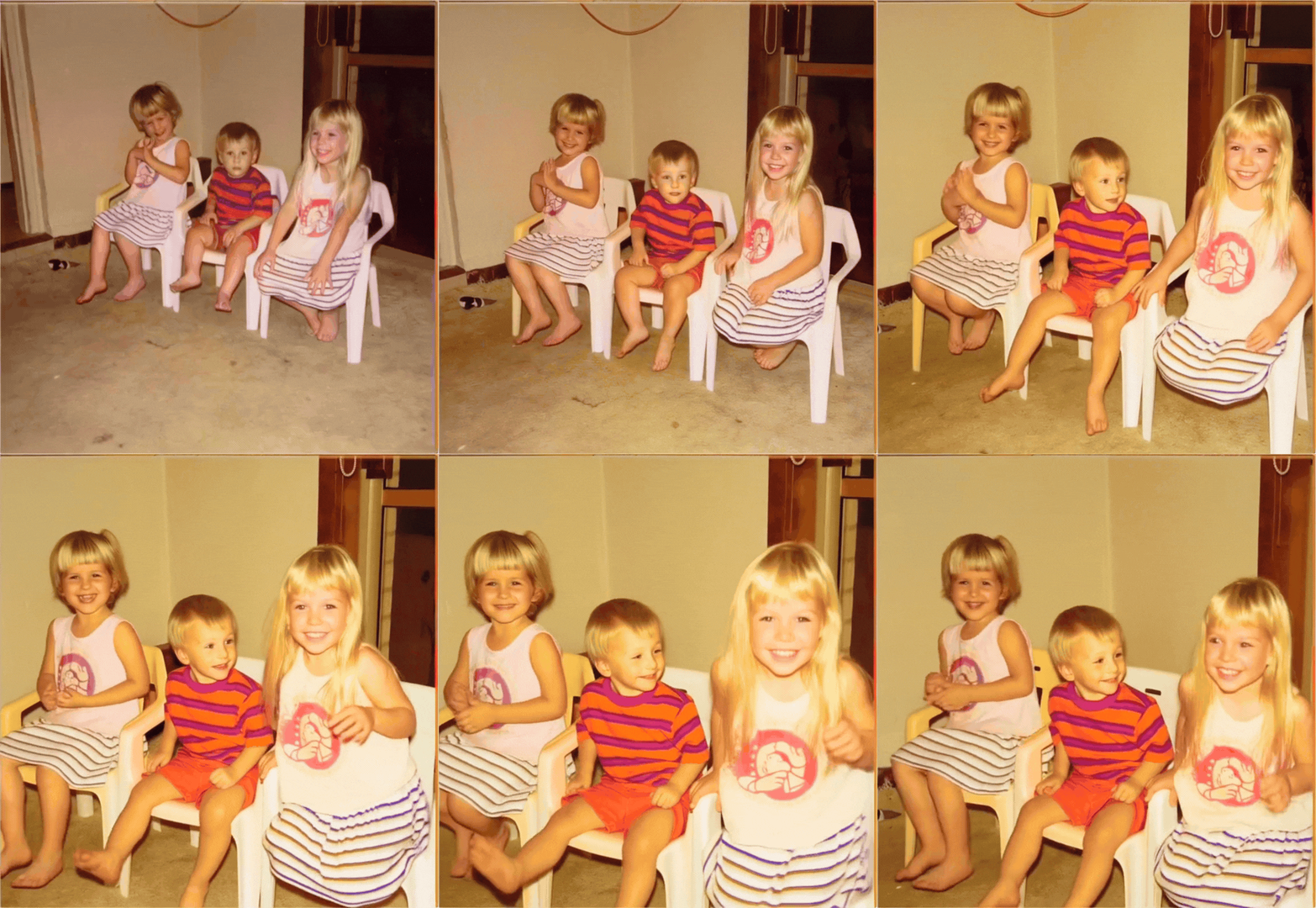
Creepy. It doesn’t look like us.
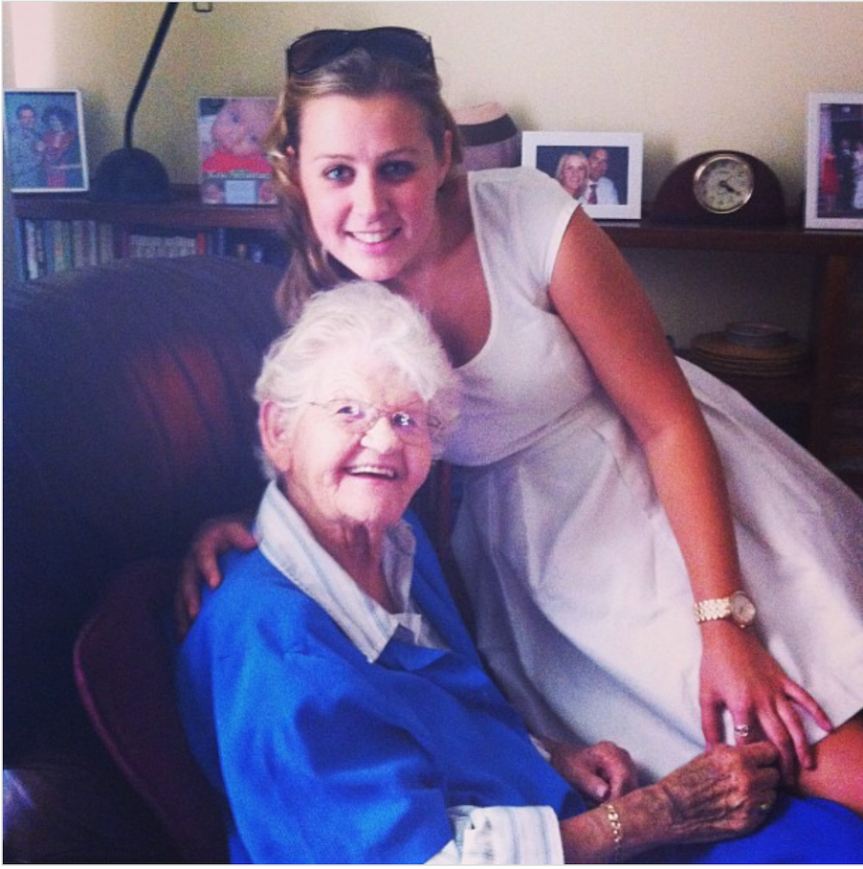
Next, I wanted to see if it could do better with adults. I uploaded a photo of my nanna and me, and picked the “warm hug” animation.
This was the original still:

And this was the video:

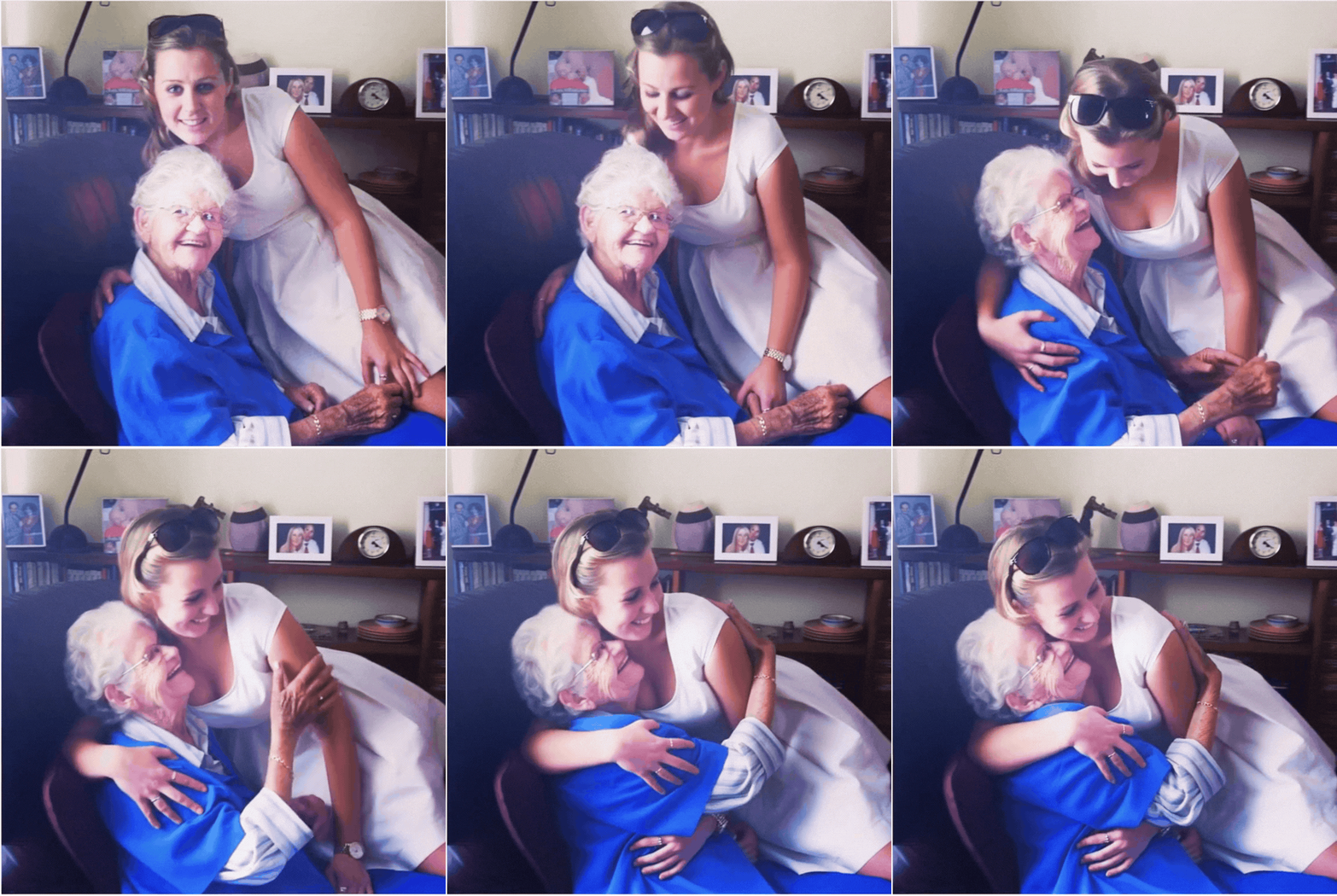
And oh my gosh, this pulled at my heart when I watched it. It captured our connection and even got my dimple. I’ll be saving this video on my phone. Worth $9.90.
At this point, I ran out of coins. If you were going to use Alivemoment for a bigger animation project, not just bringing to life single photos, you’d need to buy the top plan, but it doesn’t come cheap.
The verdict on using AI to animate old photos
I don’t think it’s worth doing for baby photos, as AI can only predict future features, especially when using old, low-quality photos. Use it for adult stills, as it’s much more accurate.
I can see many different fun use cases for animated memories. I’ll keep repeating this exercise as the technology improves over time. I’m especially interested in watching what AI can do for the bereaved.


See full bio
Read the full article here


